> ## Documentation Index
> Fetch the complete documentation index at: https://docs.spline.design/llms.txt
> Use this file to discover all available pages before exploring further.
# 3D Sculpting
You can sculpt 3D objects with a set of brushes. Easiest way to explore the feature is to create a 3D primitive (e.g.: Sphere, Plane) and click on “Smooth & Edit”. Increase the Subdivisions for a smoother sculpting result. Sculpt is found on the toolbar once an object is in edit mode (access it from right sidebar when an object is selected or simply double-click the object).
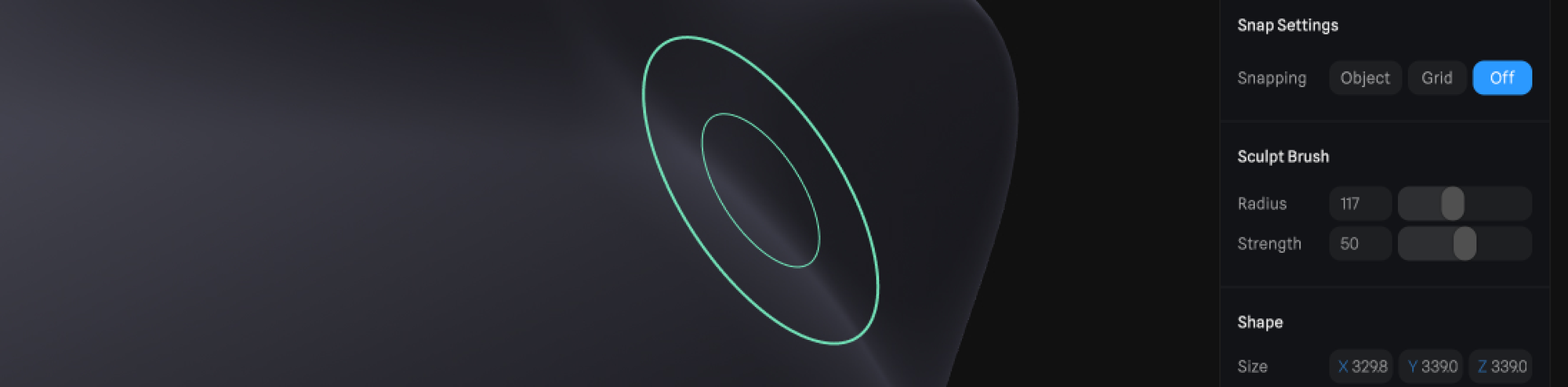
The Radius and Strength of the sculpt brush can be adjusted from the right sidebar. Adjust it based on your sculpting needs.
 ***
Following sculpt brush types can be used to manipulate your object:
## Grab
***
Following sculpt brush types can be used to manipulate your object:
## Grab
 Elevates the surface from starting point by clicking and dragging. Hold ⌘ or Ctrl to push the surface from starting point.
## Draw
Elevates the surface from starting point by clicking and dragging. Hold ⌘ or Ctrl to push the surface from starting point.
## Draw
 Click and drag along the surface to elevate it along the path you draw. Hold ⌘ or Ctrl to push the surface.
## Draw Clay
Click and drag along the surface to elevate it along the path you draw. Hold ⌘ or Ctrl to push the surface.
## Draw Clay
 Similar to draw but it has a flat base based on the set radius for the brush. Click and drag to elevate, hold ⌘ or Ctrl to push the surface.
## Smooth
Similar to draw but it has a flat base based on the set radius for the brush. Click and drag to elevate, hold ⌘ or Ctrl to push the surface.
## Smooth
 If your sculpting is rough the Smooth brush makes the surface more even and smooth.