> ## Documentation Index
> Fetch the complete documentation index at: https://docs.spline.design/llms.txt
> Use this file to discover all available pages before exploring further.
# Working with 2D and 3D objects
On Spline, all objects "live" in a 3D space, but we consider 2D objects the ones with **Width** and **Height** - but no **Depth** - which means that they can be only manipulated on a flat plane.
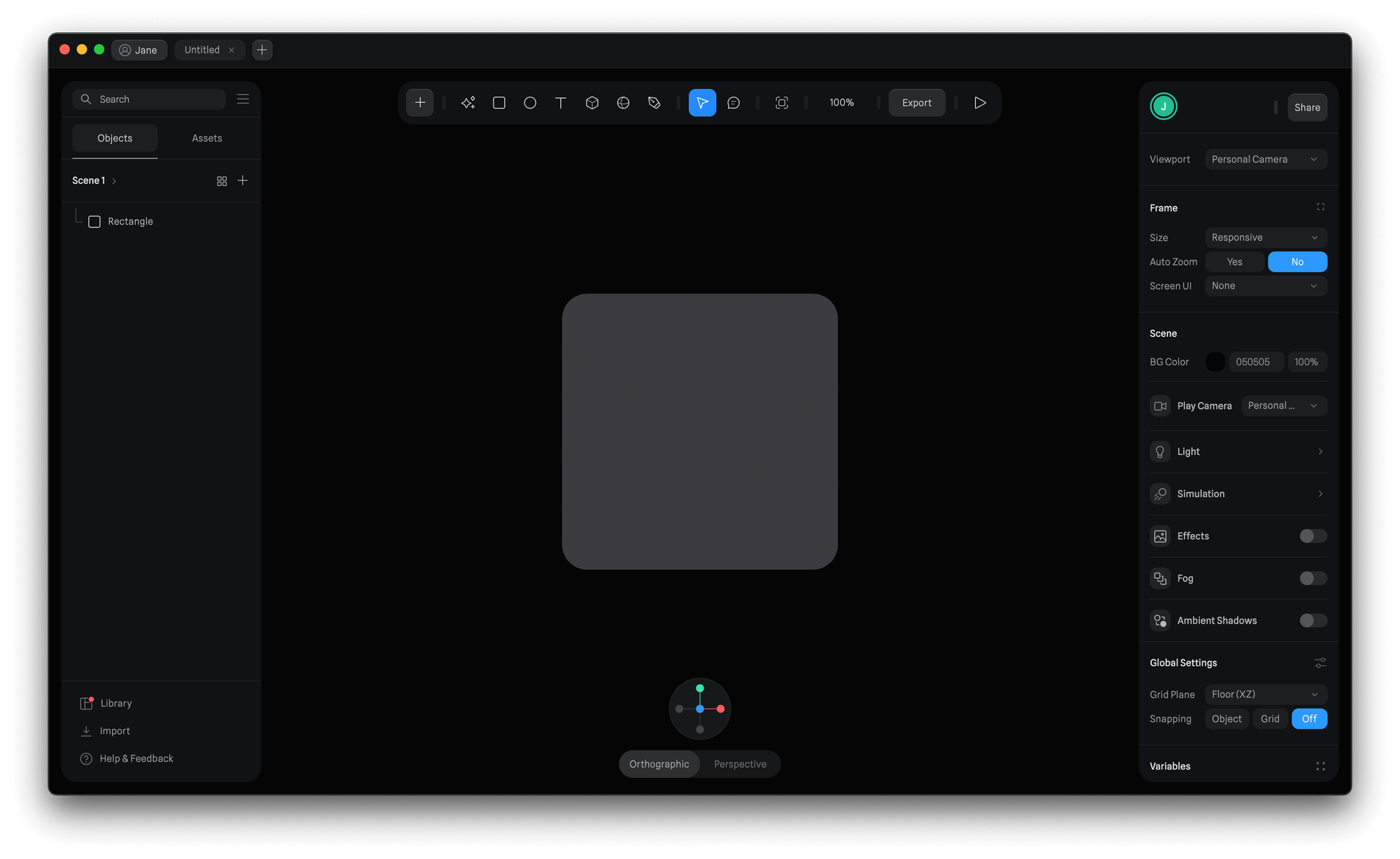 2D objects are useful when building User Interfaces. While they don't have a depth by default, you can still extrude these objects to give them volume.
Also, 2D objects can still be moved and rotated in the 3D space on all three axes (X, Y, and Z).
When creating 2D objects, those snap to the grid, whether is on the x-axis or y-axis, no matter the perspective.
2D objects are useful when building User Interfaces. While they don't have a depth by default, you can still extrude these objects to give them volume.
Also, 2D objects can still be moved and rotated in the 3D space on all three axes (X, Y, and Z).
When creating 2D objects, those snap to the grid, whether is on the x-axis or y-axis, no matter the perspective.