> ## Documentation Index
> Fetch the complete documentation index at: https://docs.spline.design/llms.txt
> Use this file to discover all available pages before exploring further.
# Exporting as an Image
Use frame mode, from the toolbar, to help you visualize your composition.
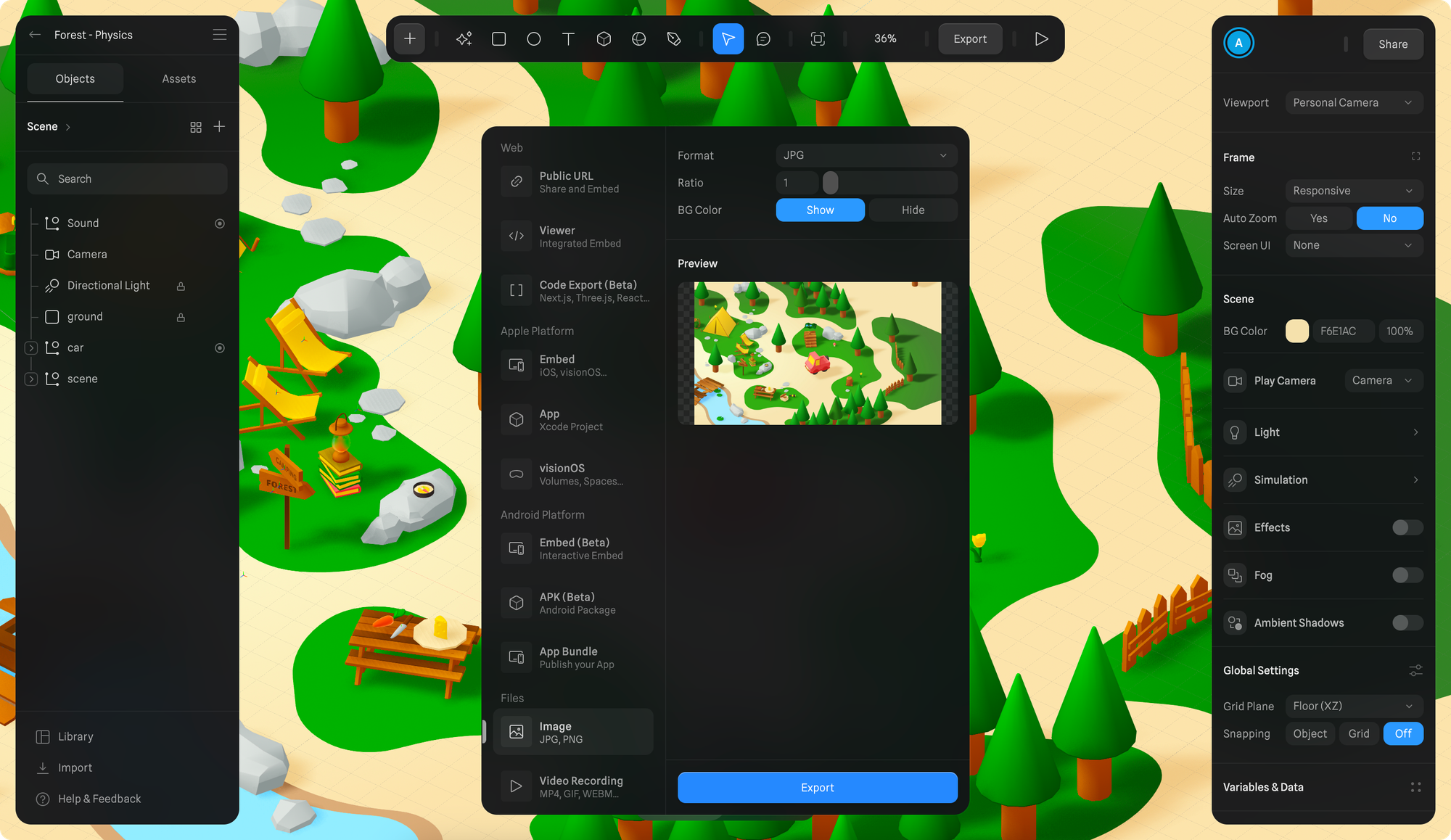 Exporting your scene as an Image is as easy as it sounds.
1. Before exporting make sure to compose your scene with the help of frame mode and the frame overlay.
2. Press the Export button on the toolbar.
3. Scroll to select "Image" export under *Files* category from the export sidebar.
4. Choose between JPG or PNG, choose the Pixel Density Ratio and click Export.
Exporting your scene as an Image is as easy as it sounds.
1. Before exporting make sure to compose your scene with the help of frame mode and the frame overlay.
2. Press the Export button on the toolbar.
3. Scroll to select "Image" export under *Files* category from the export sidebar.
4. Choose between JPG or PNG, choose the Pixel Density Ratio and click Export.