> ## Documentation Index
> Fetch the complete documentation index at: https://docs.spline.design/llms.txt
> Use this file to discover all available pages before exploring further.
# Reset Scene Action
The Reset Scene action is used when there’s a need to fully reset the whole scene based on input by the user.
## Creating a new Reset Scene Action
1. Select the object to which you want to add a reset scene action to.
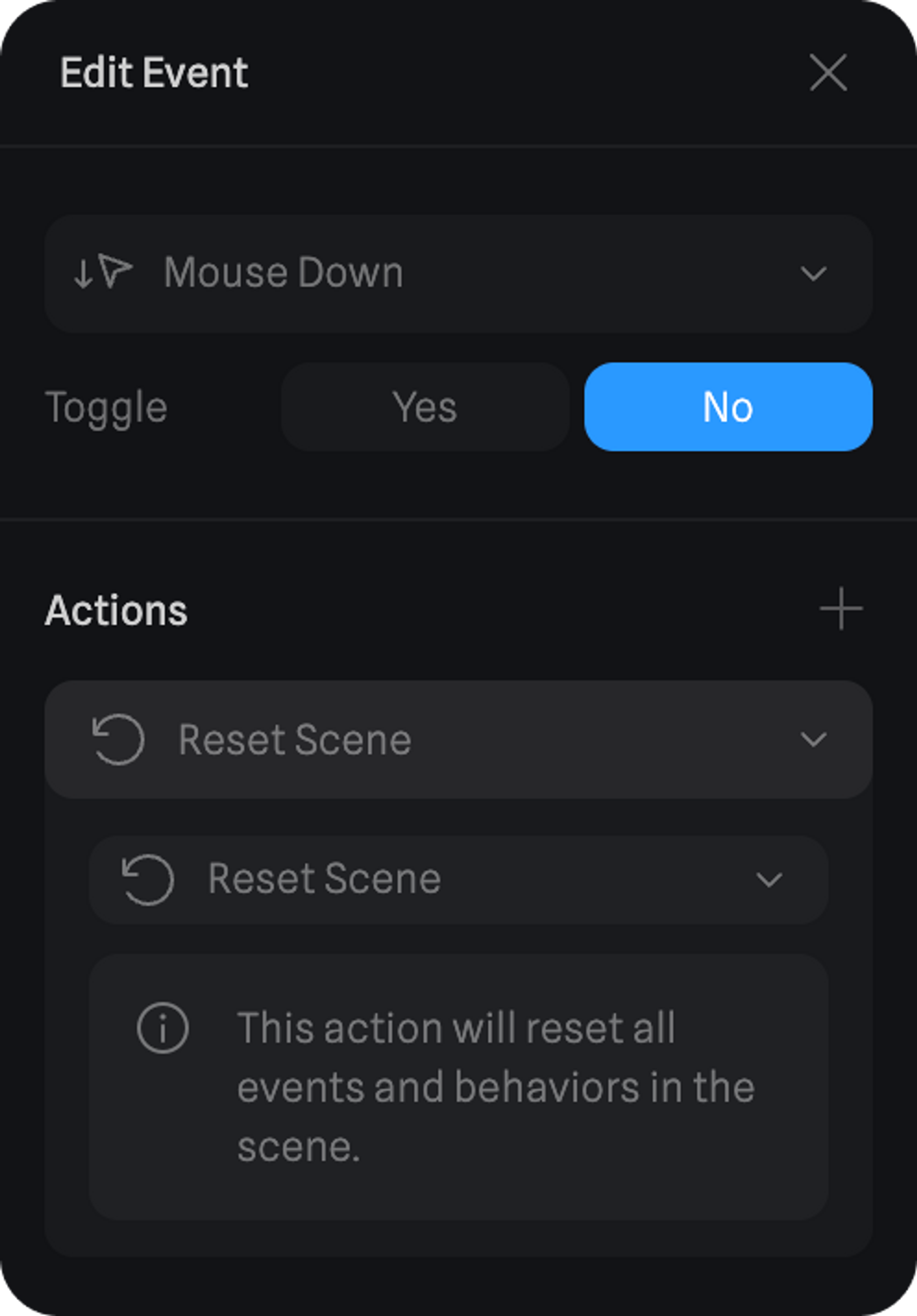
2. On the Events panel, add one of the following events: Mouse Down / Up / Press or Key Down / Up / Press.
3. Open the Event and add a Reset Scene action.
 > *Give it a try – Click the Reset button! ☝️*