> ## Documentation Index
> Fetch the complete documentation index at: https://docs.spline.design/llms.txt
> Use this file to discover all available pages before exploring further.
# Distance Event
The Distance Event allows you to trigger actions based on the distance between two objects.
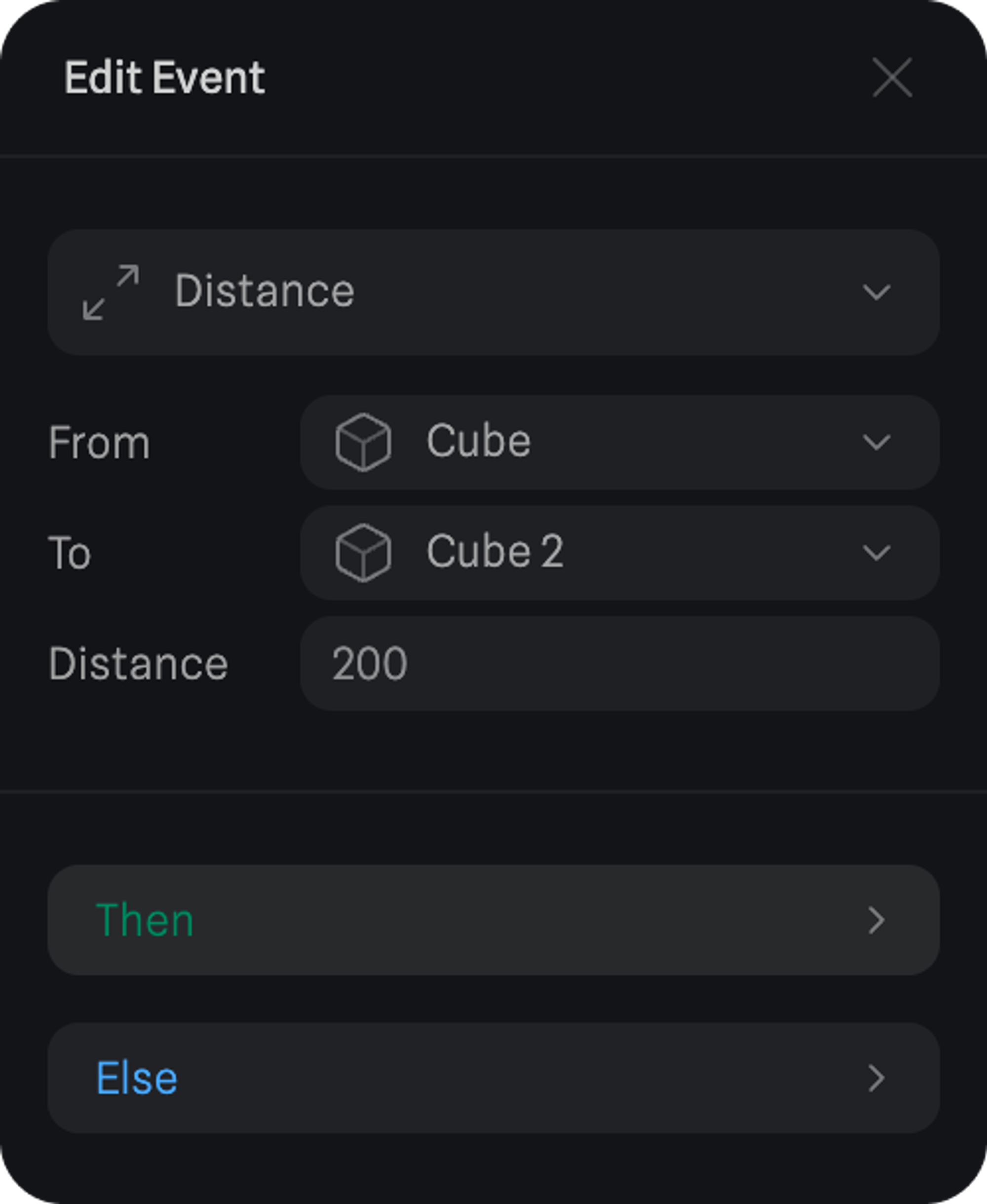
Here are the different properties of a Distance Event.
* **From** - Define object 1 for the distance check.
* **To** - Define object 2 for the distance check.
* **Distance** - The set value of distance between object 1 and 2 where the actions will be triggered.
If the distance between objects is less than the set value, the actions under ‘Then’ will be triggered.
And if it becomes more than the set value, the actions under ‘Else’ will be triggered.
 ***
> *👆 Try it! Press the canvas to focus and use WASD to control the Sphere.*
***
> *👆 Try it! Press the canvas to focus and use WASD to control the Sphere.*