> ## Documentation Index
> Fetch the complete documentation index at: https://docs.spline.design/llms.txt
> Use this file to discover all available pages before exploring further.
# State Change Event
The State Change Event allows you to trigger actions based on the state of an object.
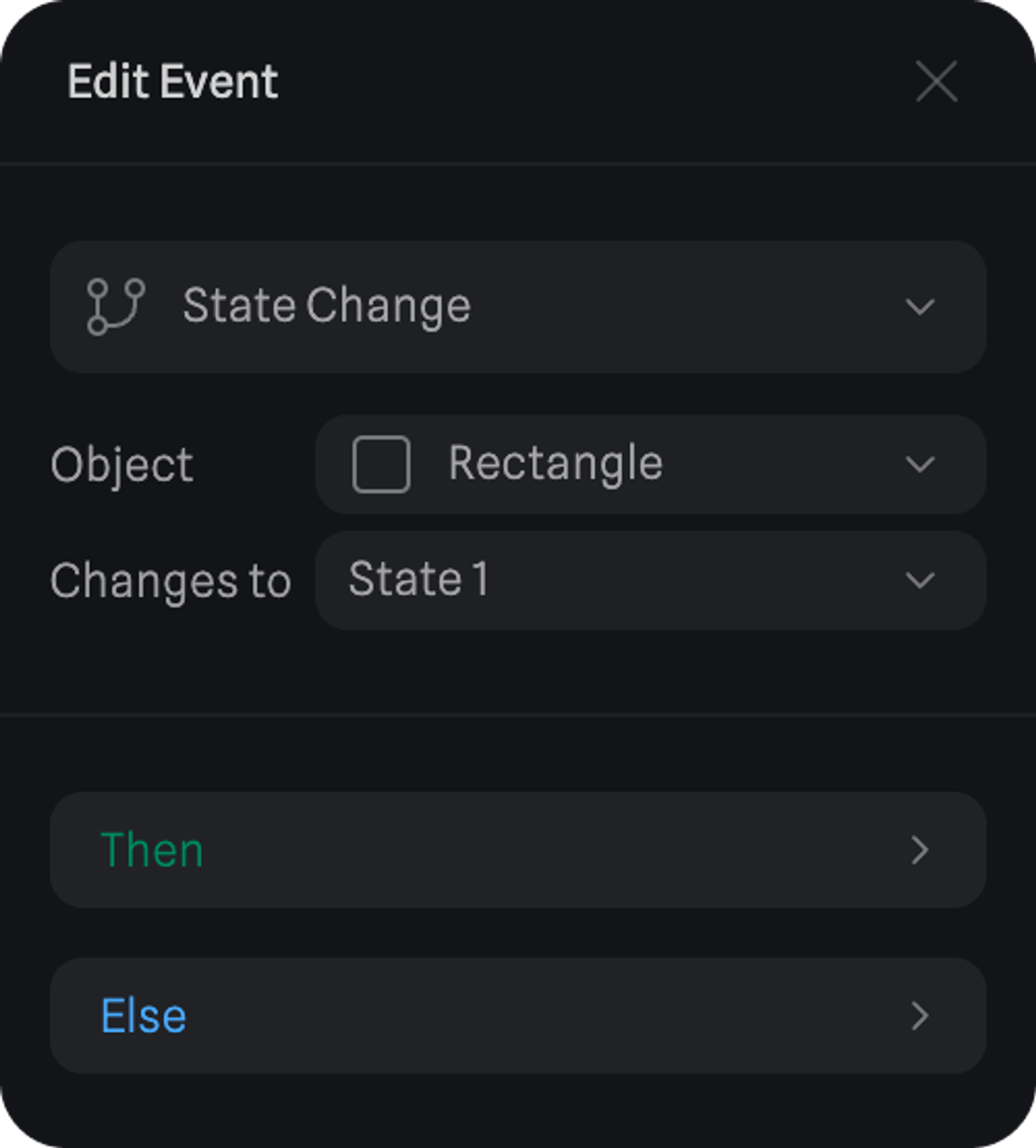
Here are the different properties of a State Change Event.
* **Object** - The object we want to check if the state has changed.
* **Changes to** - If the object gets to this state, the actions will be triggered.
In this example, if `Rectangle` changes to `State 1`, the actions under ‘Then’ will be triggered.
And if `Rectangle` changes back to any other state, the actions under ‘Else’ will be triggered.
 ***
> *In this simple example, there is a State Change Event on the Pink Cube which triggers a transition on it when the Purple Cube arrives at State 1.*
***
> *In this simple example, there is a State Change Event on the Pink Cube which triggers a transition on it when the Purple Cube arrives at State 1.*