> ## Documentation Index
> Fetch the complete documentation index at: https://docs.spline.design/llms.txt
> Use this file to discover all available pages before exploring further.
# Glass Layer
The Glass Layer simulates the appearance and properties of real-world glass.
It mimics how glass interacts with light, by giving objects properties like transparency, reflectivity, refraction, and blur.
## How to create a Glass Layer
To add a glass layer, you’ll need to:
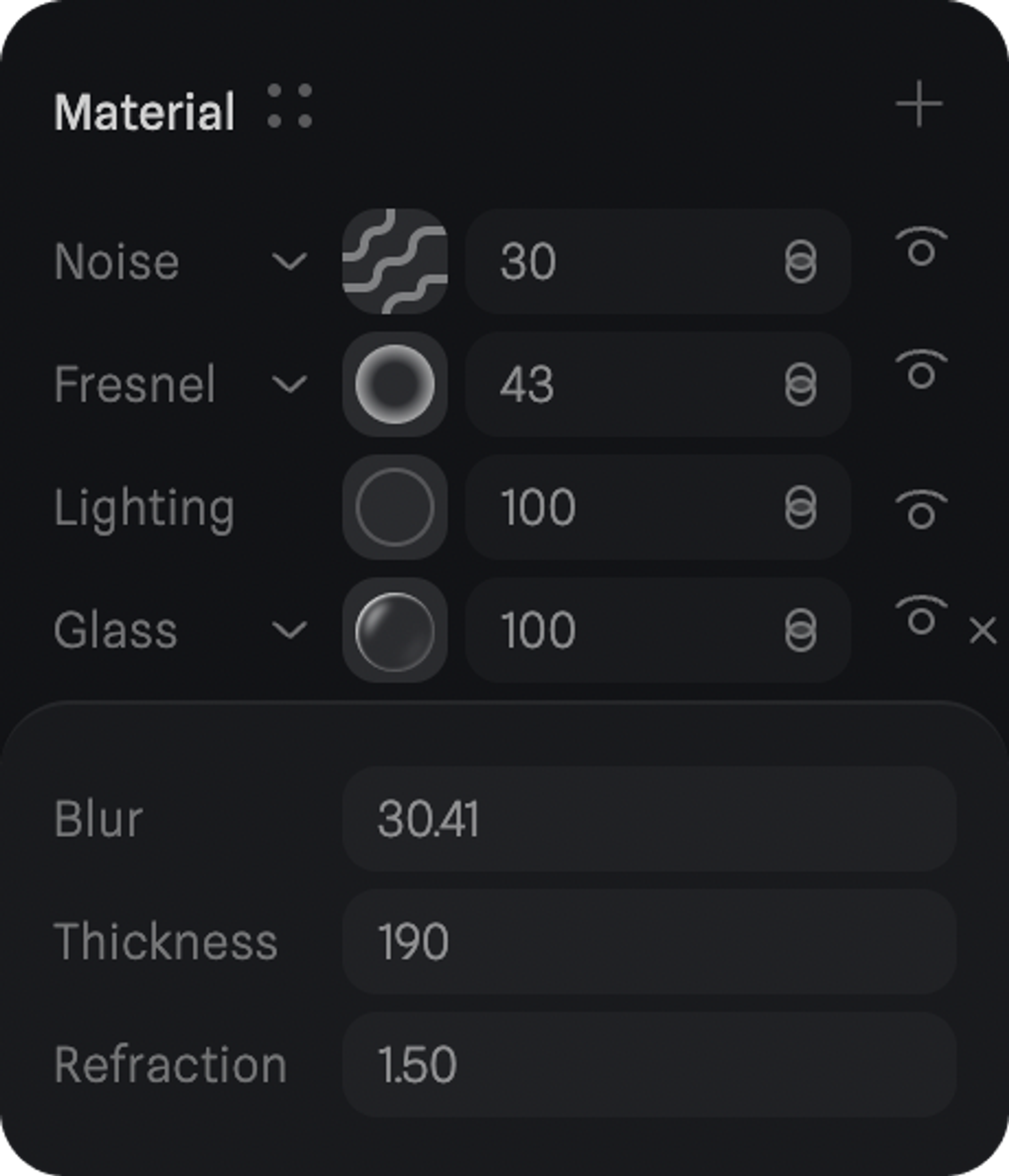
1. Select an object and add a new layer on the Material Panel.
2. Change the layer to **“Glass”** by clicking on the dropdown on the newly created layer.
3. Open the **Glass Layer** settings by clicking on the layer thumbnail.
## Glass Layer Settings
Control the settings of a glass layer to achieve your desired effect. Additionally, you can combine your glass layer with other layers like fresnel, matcap, or noise to enhance your material further.
### Blur
Makes objects seen through the glass look blurred, like looking through frosted glass.
### Thickness
Decides how chunky the glass looks and affects how it bends light and distorts views.
### Refraction
Bends light passing through the glass, changing how clear or distorted objects behind it appear.
 > *Check out the glass layer in action in this scene. 👆 Press to orbit*