

Video Layer
The video layer allows you to upload videos and use them as a video texture on 2D and 3D objects.
Uploading videos is a paid feature, you’ll need to have an active Starter, Professional or Team subscription to use it.
How to create a Video Layer
To add a video layer, you’ll need to:
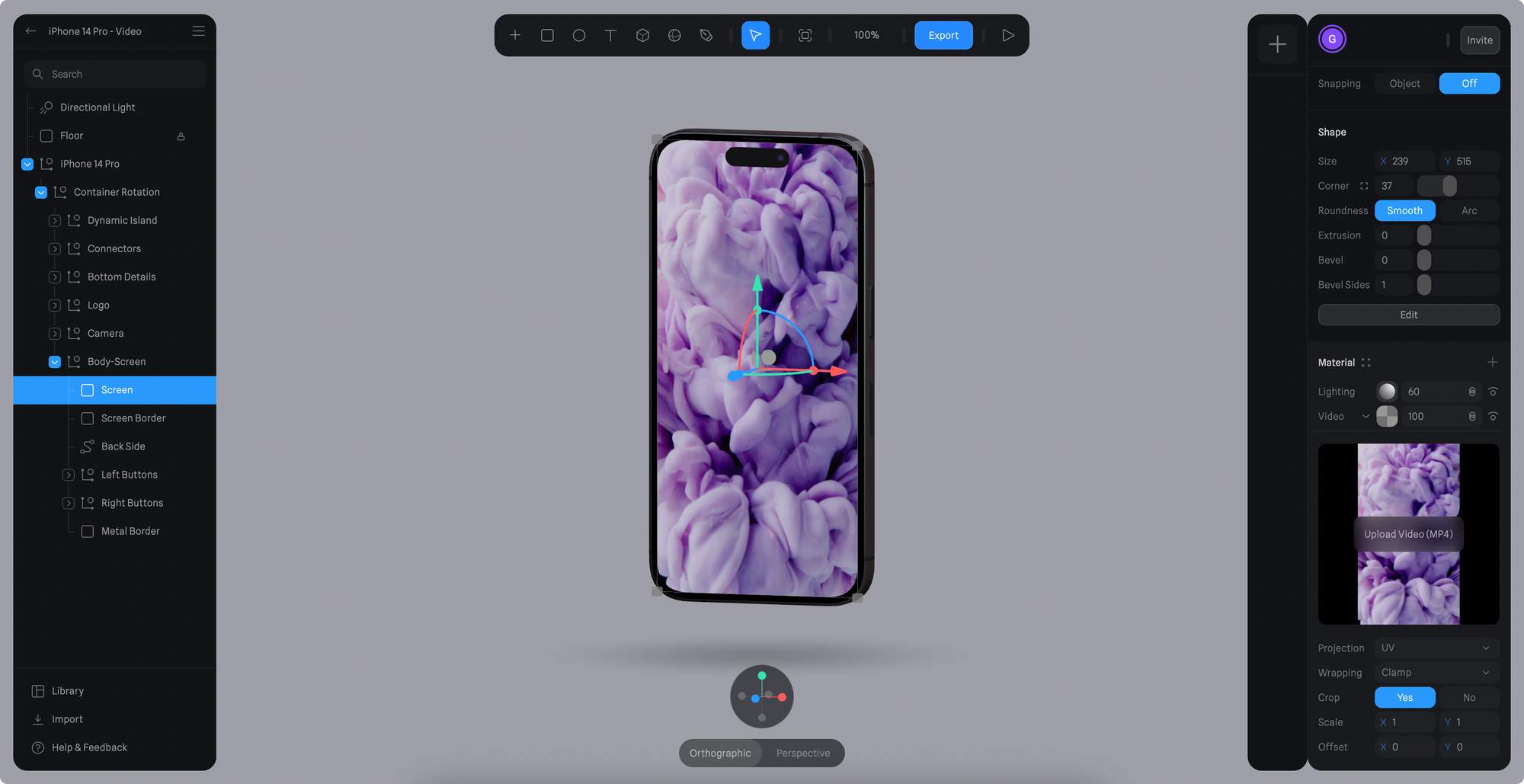
- Select an object and add a new layer on the Material Panel.
- Change the layer to “Video” by clicking on the dropdown on the newly created layer.
- Open the Video Layer settings by clicking on the thumbnail.
- Click on the “Upload Video” to upload a new video.
You can also save your Video Layers as a video asset to reuse in other objects.
How to Play, Pause, or Stop a Video Layer
When adding a new Video Layer, a Start Event is automatically created with a Video Action, making your video autoplay on scene load.
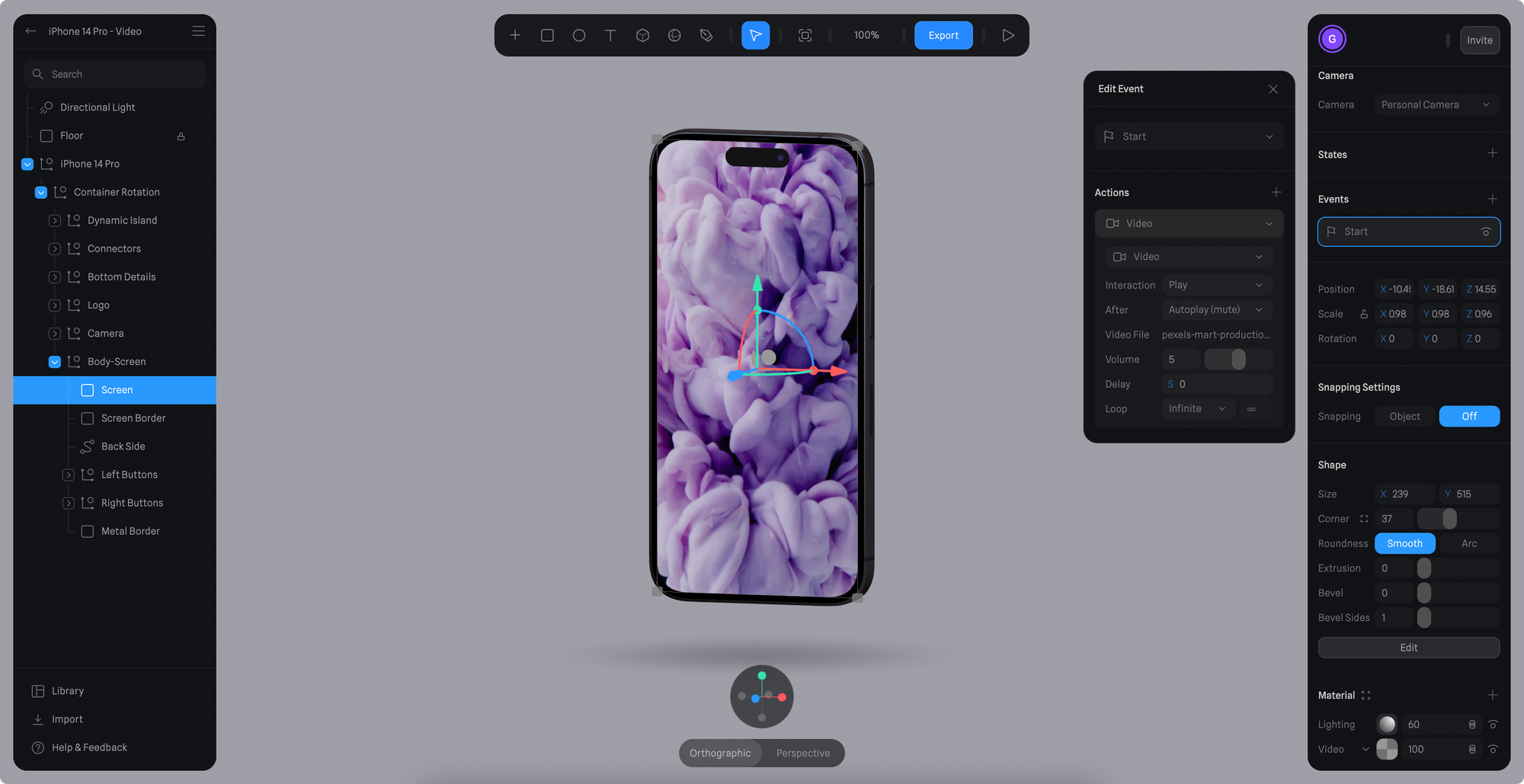
You can change the event to another type, here’s a list of events where the video action is supported:
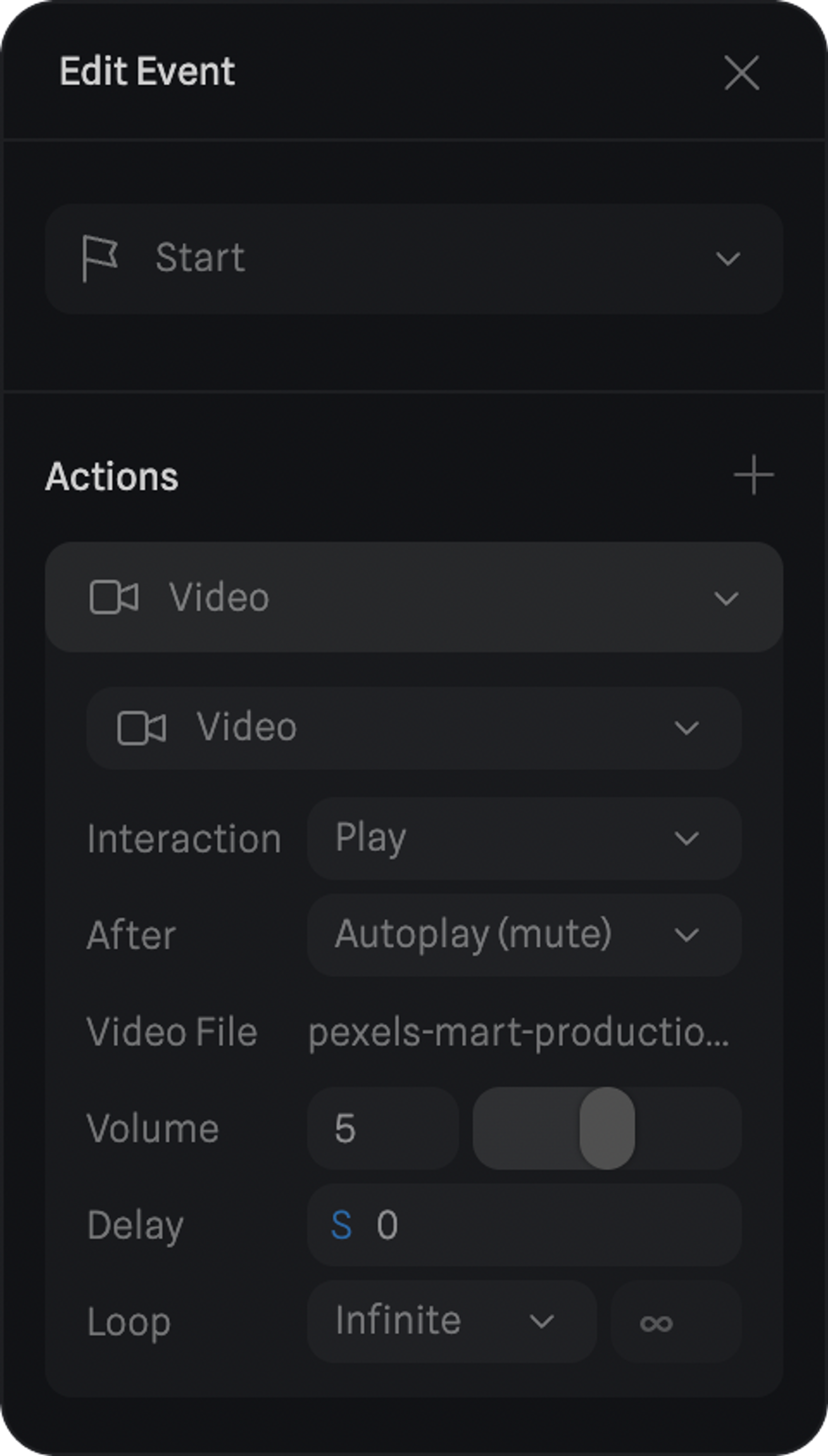
With the Video Action, you can control if you want to Play, Pause or Stop a video layer.
As well as other properties like video Volume, Delay and Loop.
Video Layer in action! ☝️ Drag to Orbit