

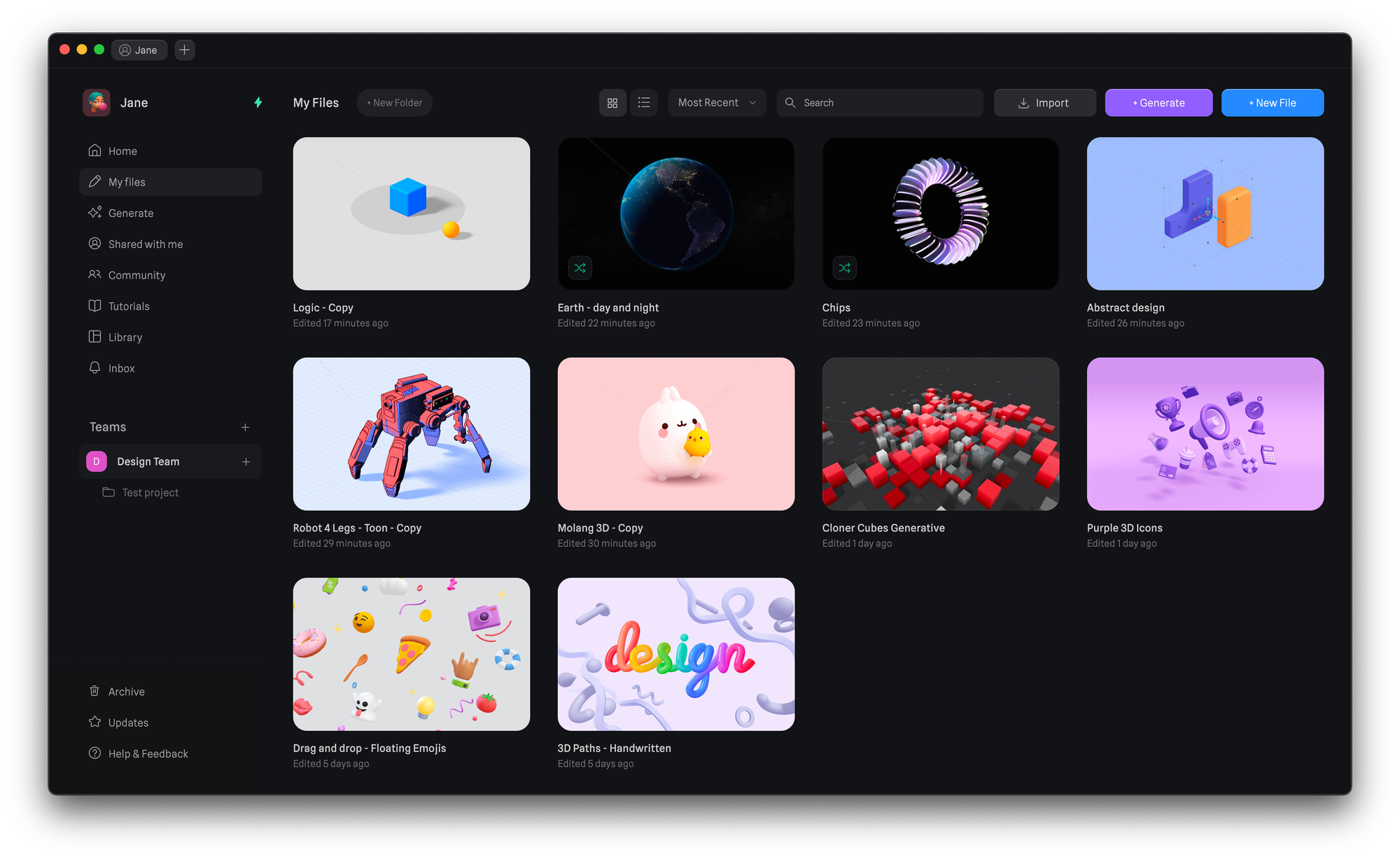
Creating a New File
There are a few ways to create a new file:- The ‘New File’ button on the top right of your screen.
- Opening a context menu anywhere on the empty space of your files view and choosing ‘New File’.
- On the desktop app, press the ‘+’ icon on the top where the file tabs live.
Organizing your Files
Through the file context menu, you can do most actions. You can make a new folder from selection, Share Copy Link, Duplicate, Rename, Move, and Delete a file.Selecting Files
Selecting your files is supposed to work in a familiar way from other tools or even from your own operating system. See below some of the ways to do it. Single Click - Select a single file CMD + Click - Select multiple files 1 by 1 Shift + Click - Select all files between the first and last selected Box Selection - Draw a box selection around the files you want to selectFolders
With one of our paid plans, you can now create folders to keep all your files organized. There are a few ways to create a new folder:- The ‘New Folder’ button on the top of the page.
- Opening a context menu anywhere on the empty space of your files view and choosing ‘New Folder’.
- Selecting multiple files, opening a context menu, and selecting ‘New folder from selection’.