

Real-time Collaboration in 3D
Historically the primary way of creating in 3D has been as single users building individual files and manually sharing these back and forth with the people we’re working with.
With real-time collaboration, you can now work together with others on the same file and see the changes happen straight away. You won’t wonder anymore if you’re working on the correct file with the latest changes since all files are now autosaved.
On the editor, you can see who’s currently inside the file by looking at the active users panel on the top right of your screen.

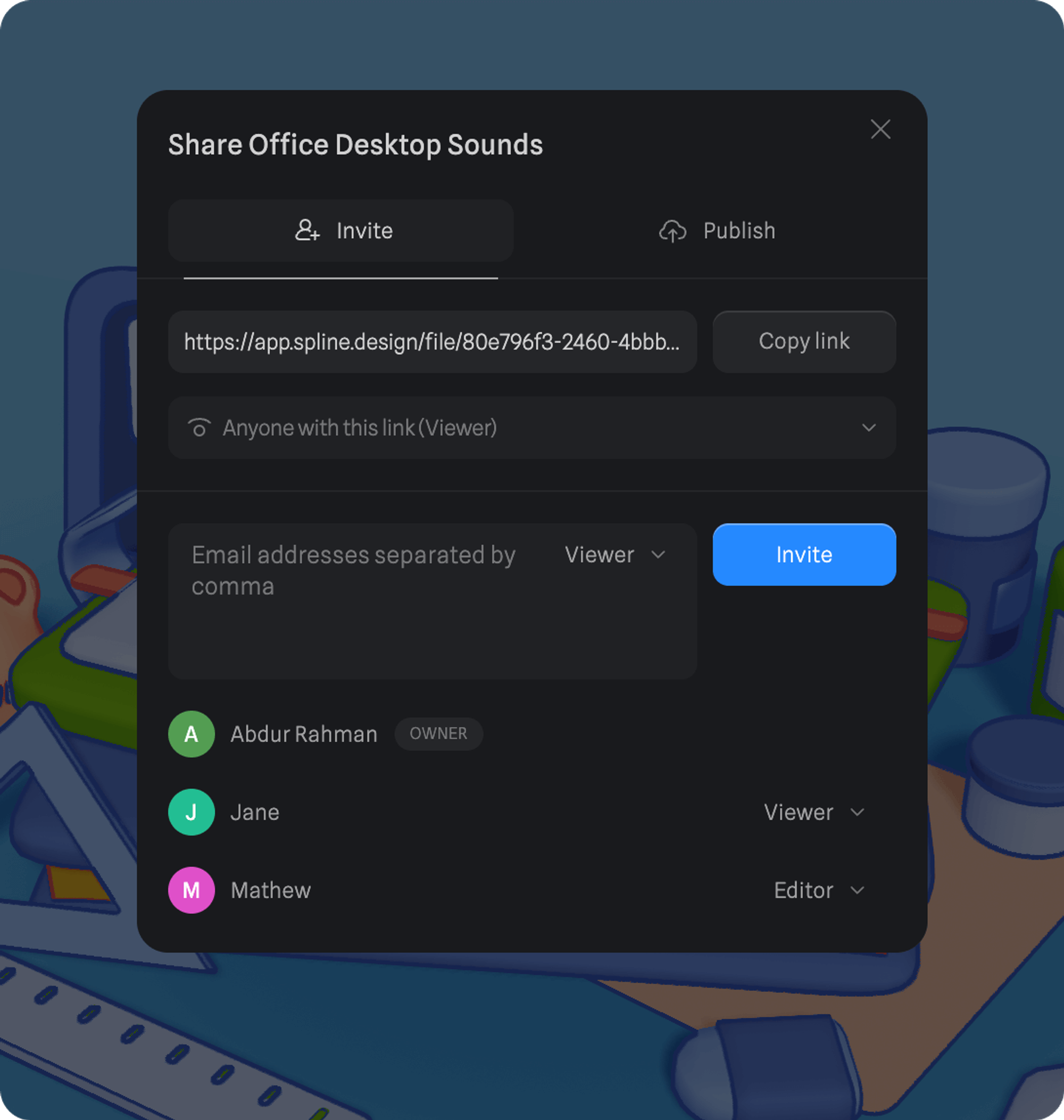
By clicking the Share button, the sharing modal will come up, where you can invite other people to join your file.
Control link permissions:
- Anyone with this link (Viewer)
- Anyone with this link (Editor)
- Only people invited can open this link.
Choose from following permissions for invited individuals:
- Viewer → view only access.
- Editor → edit access to file.
On the canvas, the pointers and labels of other users will let you know the position from where they’re currently approaching the scene from.