

Basics
Change theme on Spline
Spline supports Dark, Light, and System themes so you can customize the interface to your preference.
You can switch themes from two places:
1. From the Dashboard
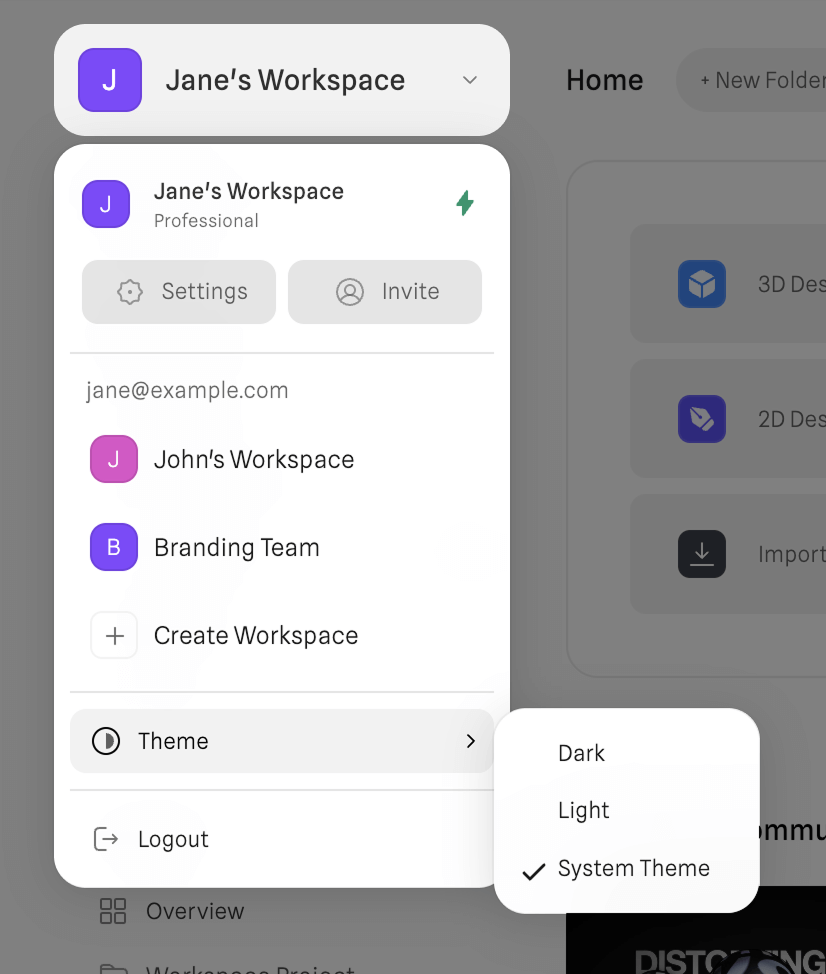
You can change the theme directly from the main Dashboard menu.
How to access it:
- Open the Workspace Switcher (top-left corner of the Dashboard).
- Scroll to the bottom of the menu.
- Click Theme.
- Select Dark, Light, or System Theme.
2. From the Editor
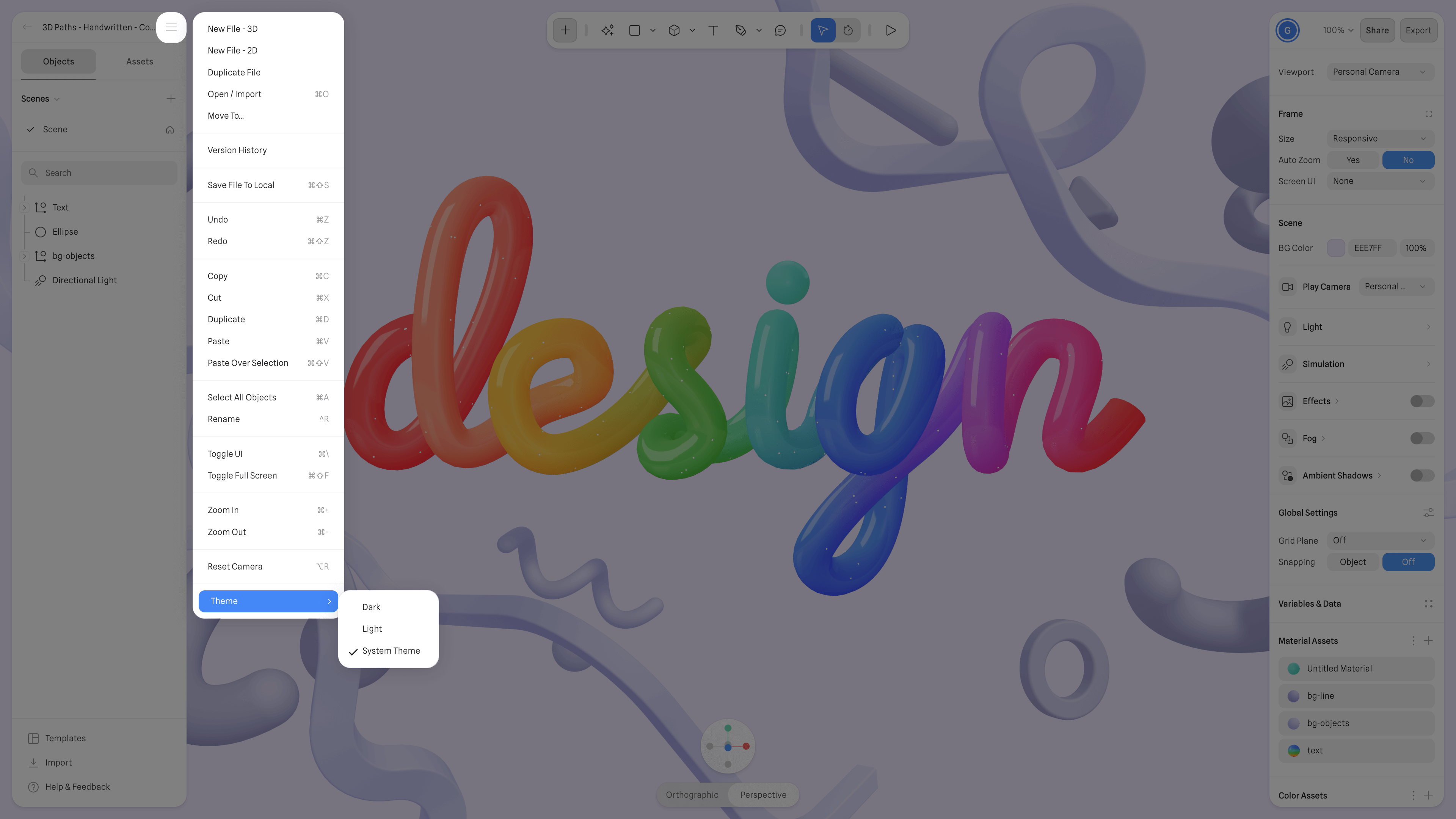
You can also switch themes while working inside any 3D or Hana file.
How to access it:
- Open the Main Menu (top-left corner of the Editor).
- Scroll to the bottom of the dropdown list.
- Click Theme.
- Choose Dark, Light, or System Theme.
System Theme
When using System Theme, Spline automatically follows your operating system’s appearance settings — switching between light and dark depending on your OS preferences.