

Actions
Clear Local Storage Action
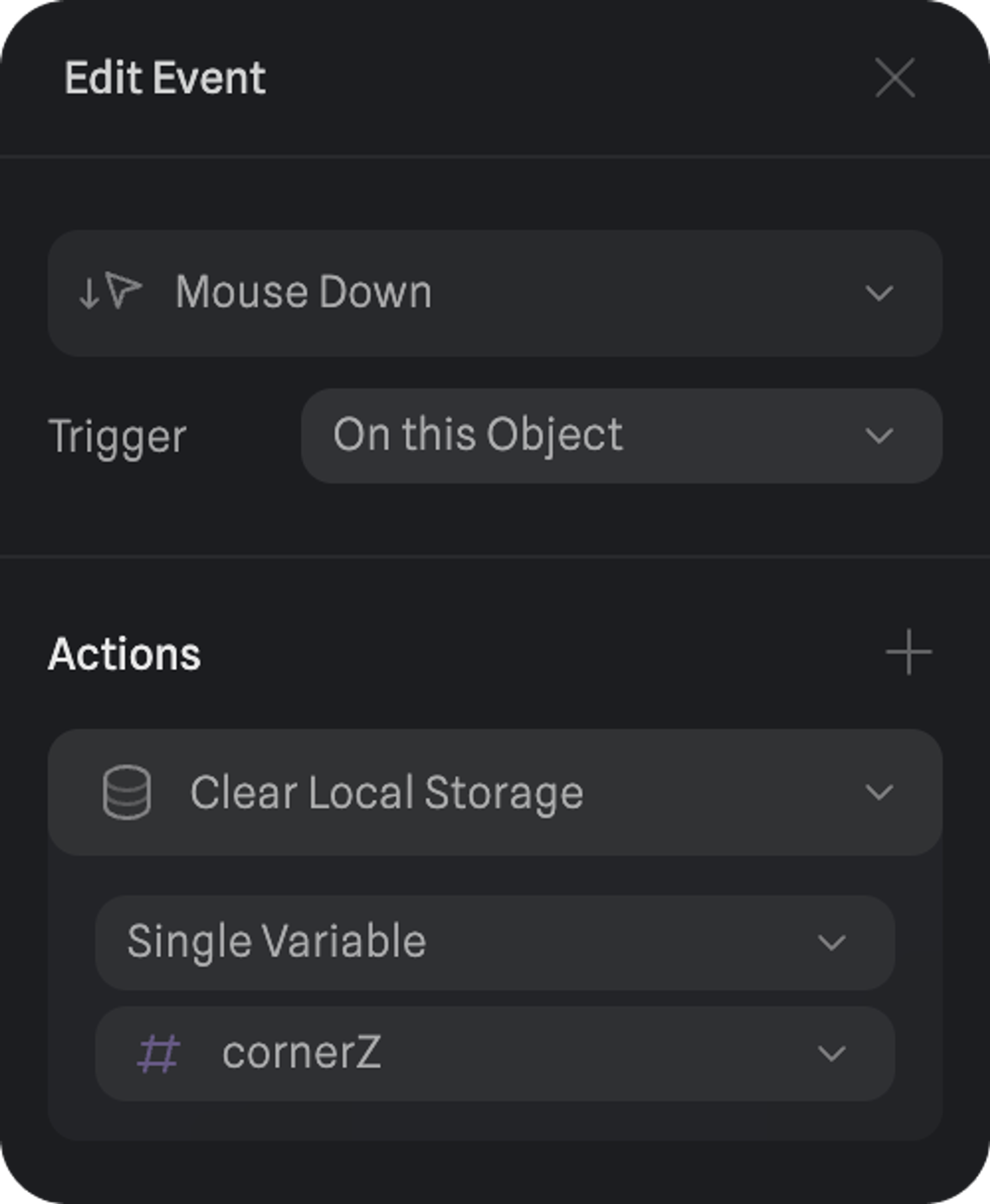
With the Clear Local Storage action, you can reset the persistent data of your variables back to their default values using an event trigger like Mouse Down.
Learn more about enabling Local Storage on your variables.
Creating a new Clear Local Storage Action
1. Select an object and create an event on the events panel.
2. Open the event and find the “Actions” panel.
3. Add “Clear Local Storage” to your actions.
Customizing a Clear Local Storage Action
- All Variables → Clears the persistent data from all variables with local storage enabled.
- Single Variable → Select a specific variable to clear its persistent data.
Give it a try ☝️ - Change the values on the bars, then press the Clear button to reset them.