

Actions
Destroy Object Action
The Destroy Object action lets you interactively destroy/hide objects from your scene.
Destroying objects is possible via various events, like mouse down, collision, or trigger area, which unlocks plenty of use cases for playful effects and interactions.
Creating a new Destroy Object Action
- Select an object and create an event.
- Open the event and find the “Actions” panel
- Add “Destroy Object” to your actions.
- Inside the action, you can define which objects will be destroyed when the event is triggered.
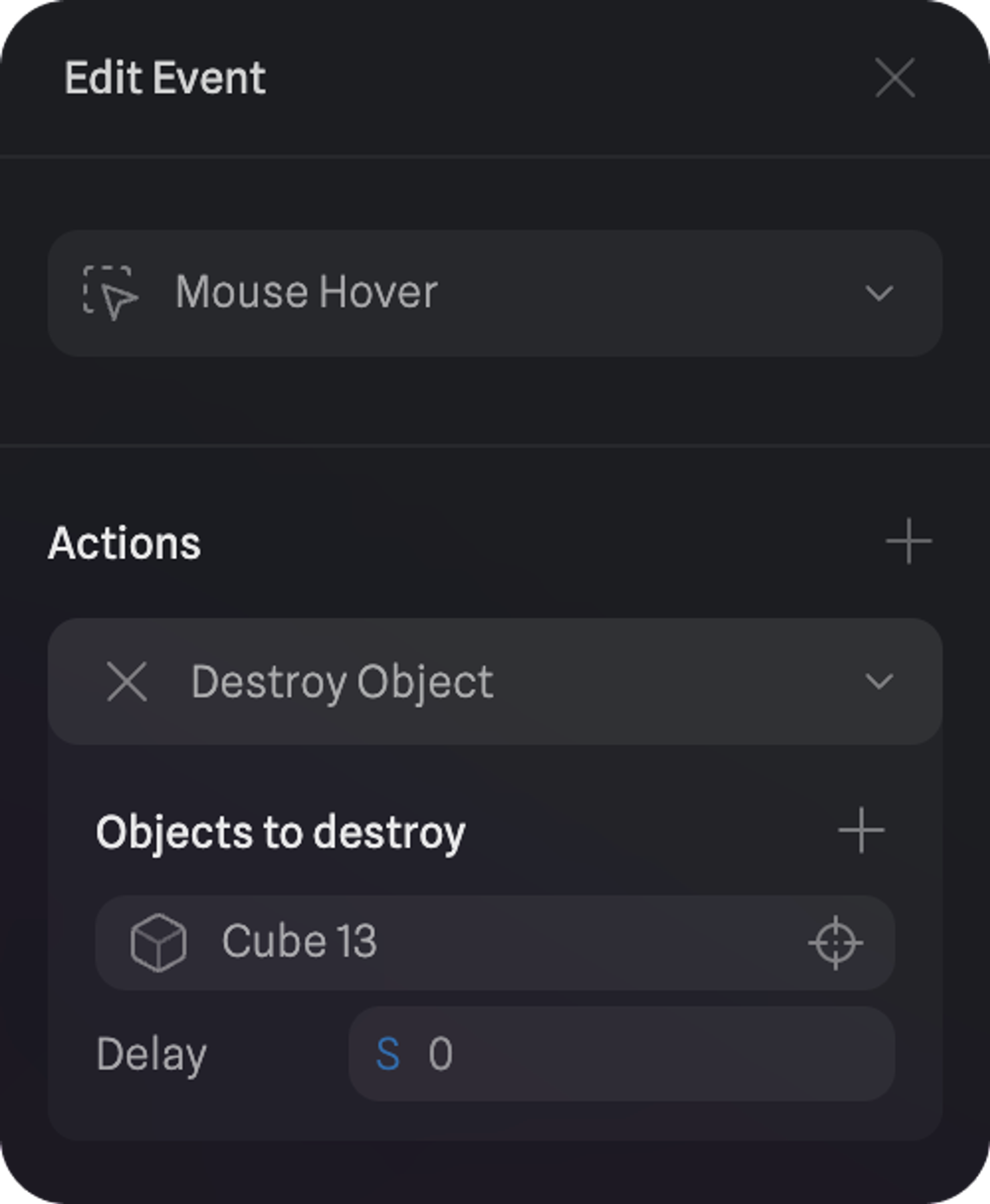
Drag your mouse around to experience destroy object action via hover event.