

Events
Webhook Called Event
The Webhook Called event allows you to trigger a set of actions when the webhook receives new data sent from external sources
Webhook Called Event Properties
Select Webhook
On the first dropdown, select the Webhook that the event should check for new updates.
Once the event detects a change sent to the Webhook, the Webhook Called event will trigger the Actions added to it.
The dropdown list will access any Webhook available on the current file.
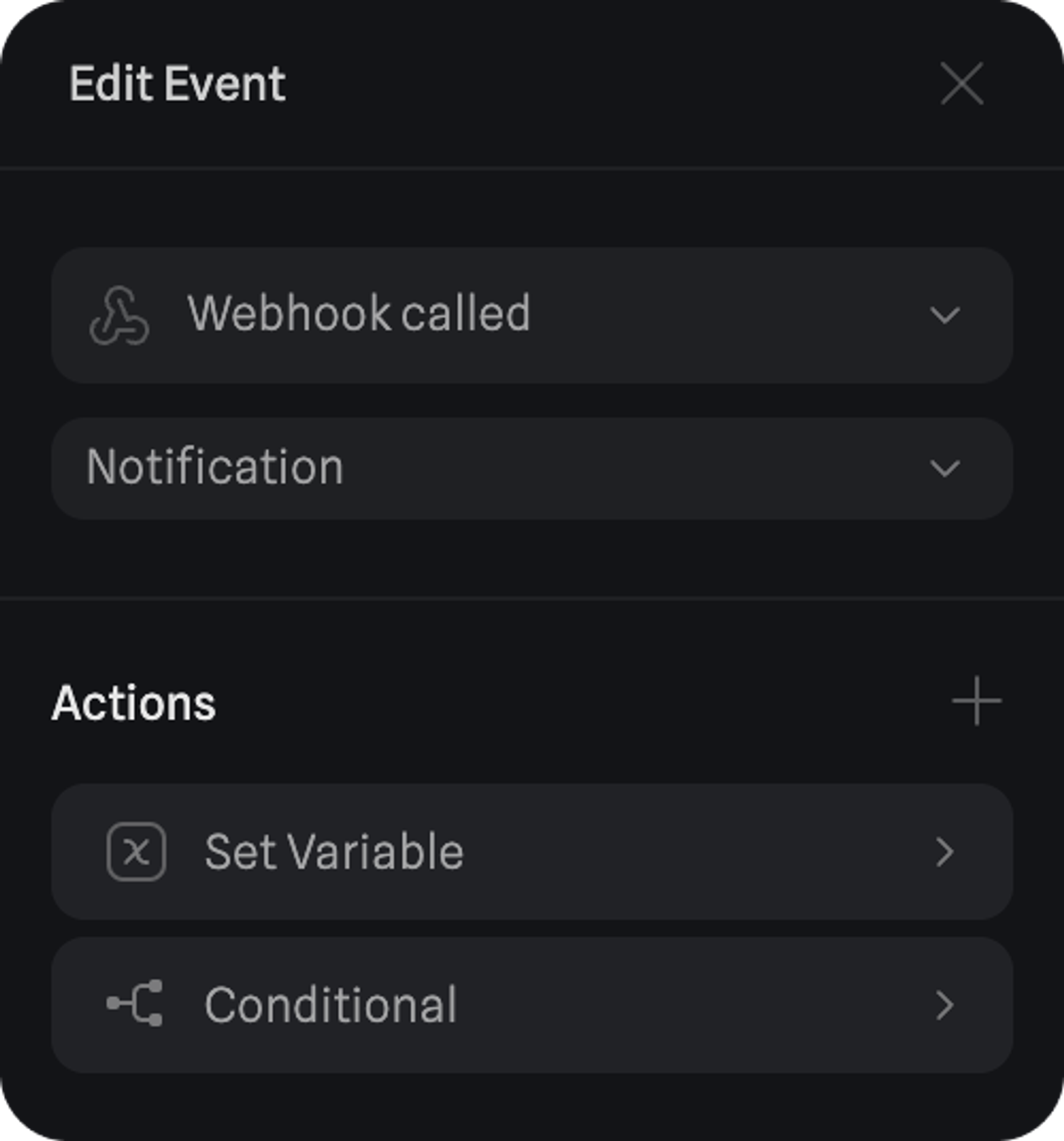
Refer below for all the actions you can trigger with the Webhook called Event:
- Transition Action
- Animation Action
- Sound Action
- Particle Control Action
- Video Action
- Open Link Action
- Create Object Action
- Destroy Object Action
- Switch Camera Action
- Scene Transition Action
- Reset Scene Action
- Set Variable Action
- Variable Control Action
- Conditional Action
- Clear Local Storage Action
- API Request Action
Learn more about Webhooks in Spline: